Organize & search
Order without the effort of ordering.
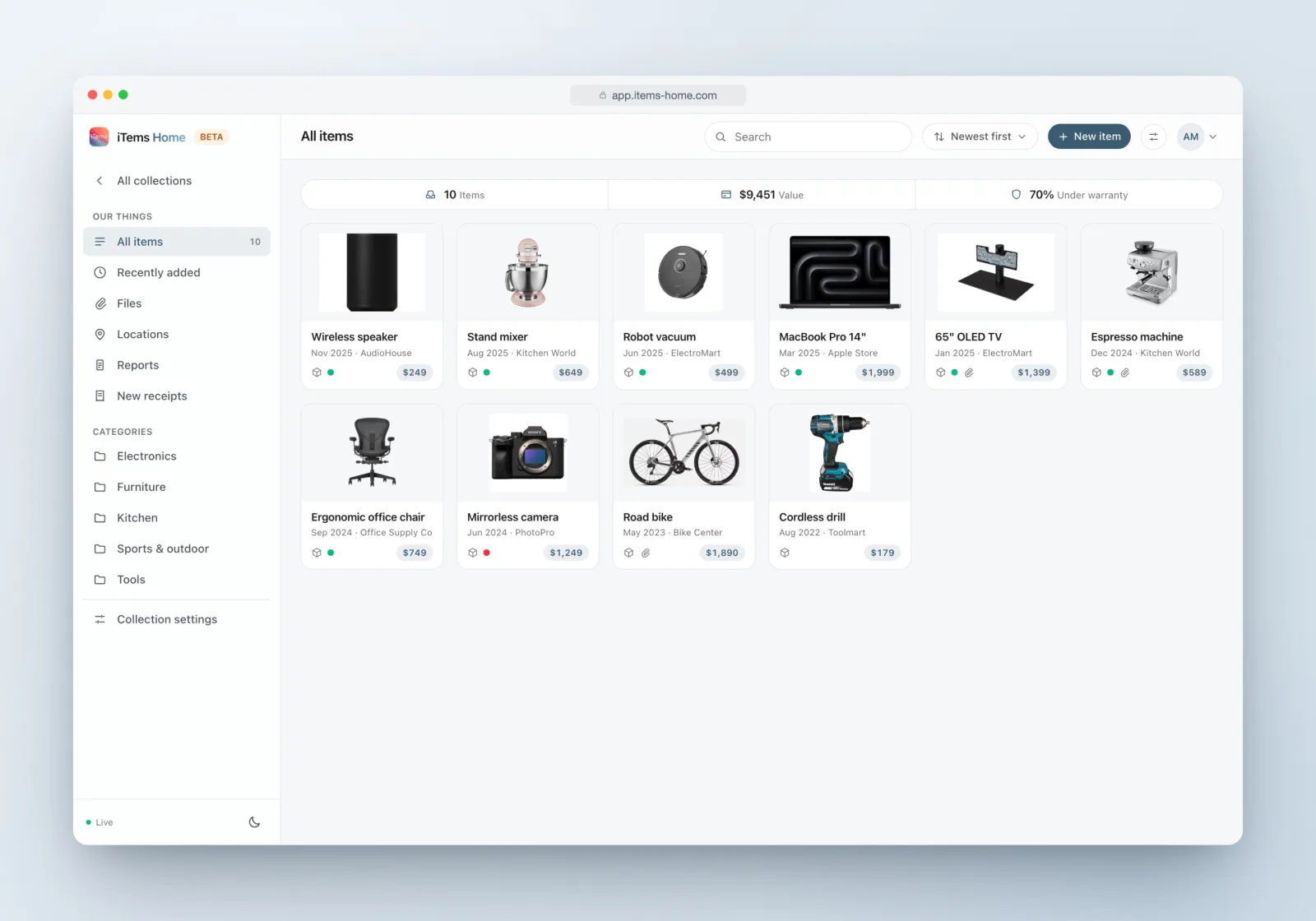
Categories, locations, instant search and a files library with real previews — so “where is it?” always has a one-second answer.

Structure
Categories and locations that build themselves.
Categories group what things are; locations record where they live. Both appear in the sidebar the moment they exist — and the AI creates categories on the fly when it imports your receipts and photos.
Re-filing is a drag: drop an item onto a category in the sidebar and it moves. In a property collection, rooms play the role of locations — same idea, house-shaped.
Search
Type three letters, find the thing.
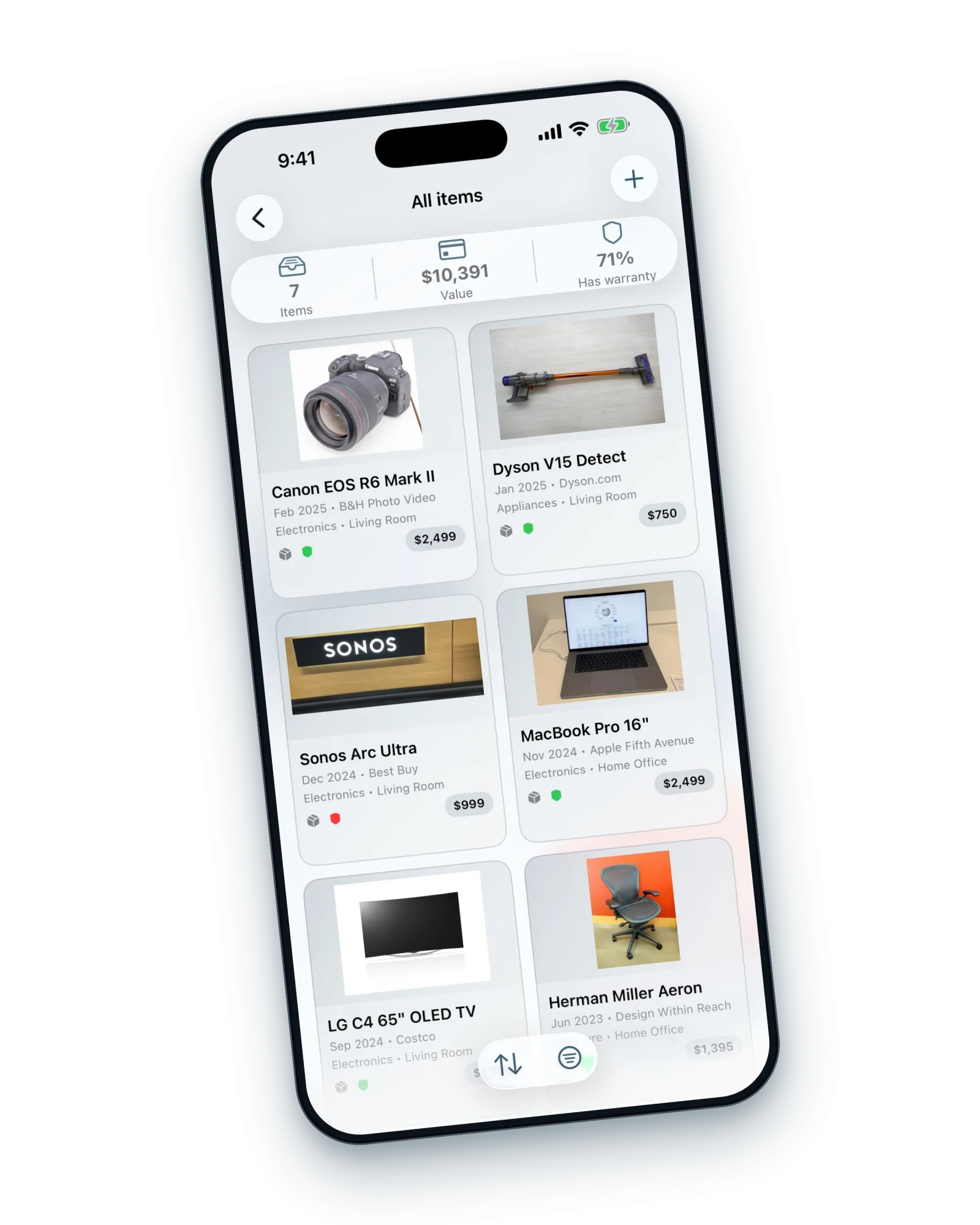
Search sweeps titles, stores, serial numbers and notes at once — so “that thing from Clas Ohlson” and “SN-4471” both work. Sort by newest, oldest or title; tune how long “recently added” means; and browse any category or location as its own view.
Every view has its own address. Bookmark the kitchen, share the vinyl collection view, come back to exactly where you were.
Files
A files library, not a file dump.
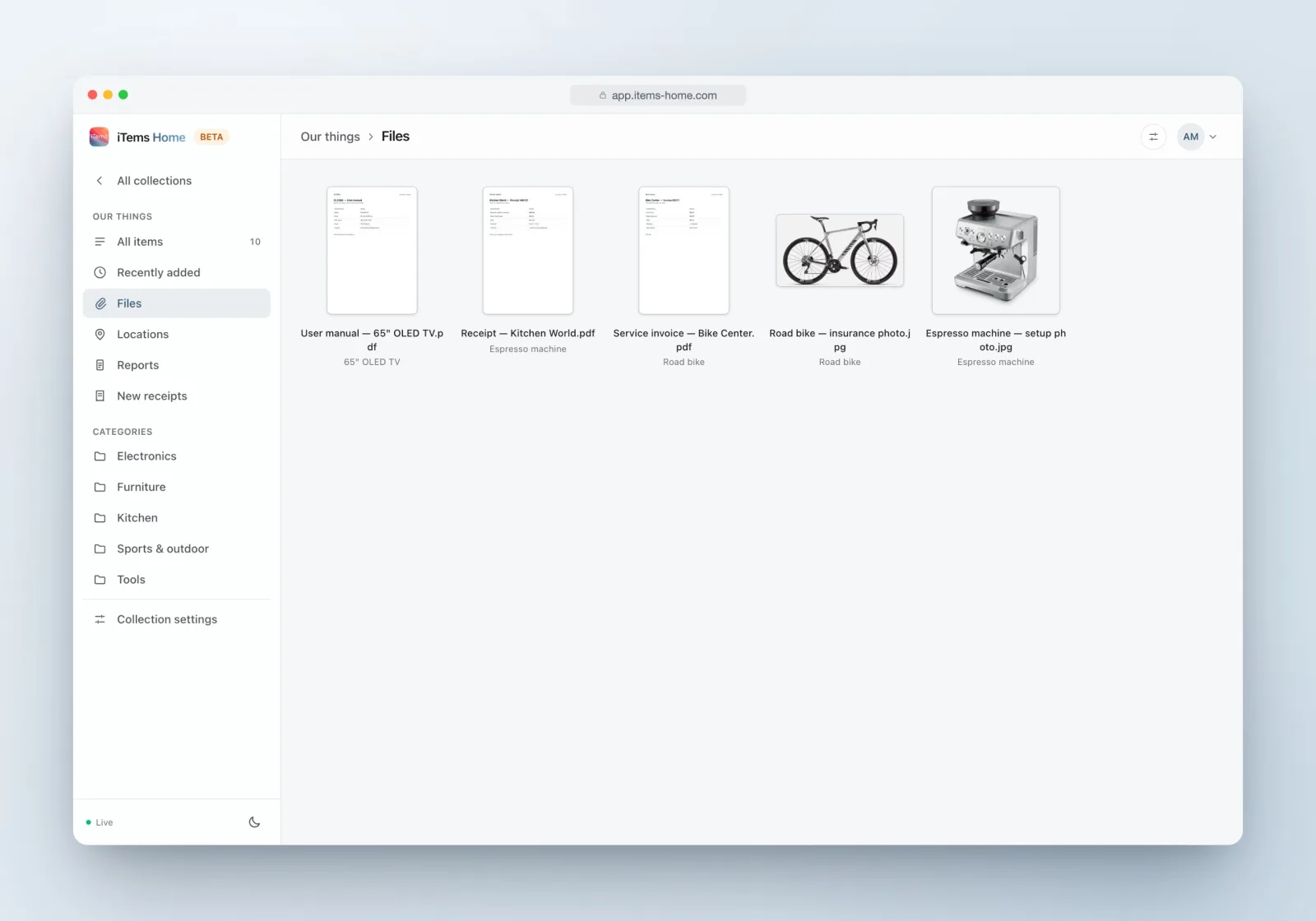
Every receipt, manual, photo and video across the collection in one place — with honest thumbnails: PDFs show their first page, videos their first frame. The preview opens images, PDFs, video and audio right in the app, pages with your arrow keys, and jumps to the item a file belongs to.
Organizing, answered.
What does search look through?
Item titles, store names, serial numbers and notes — all at once, as you type.
Do I have to set up categories first?
No. Create them when you like, or let the AI create and assign them as it imports receipts and photos. You can always reorganize by dragging items between categories.
How do locations work?
A location is where something is kept — the attic, the garage, a wardrobe. Items link to locations, each location lists its items, and in property collections your rooms take that role.
Can I find a file without remembering which item it is on?
Yes — the Files view gathers every file in the collection with thumbnails and previews, and every file can jump back to its item.