iTems Cloud
Your things, everywhere. And with everyone who shares them.
Keep every collection in sync across your devices, share it with the people you live with, and store every photo, receipt and manual alongside it.


One inventory. Every device. Everyone who needs it.
iTems Cloud connects your collections to your iTems account — so they follow you, and you decide who else they follow.
Always in sync
Add an item on your iPhone and it is on your Mac, iPad and the web before you put the phone down.
Shared with your household
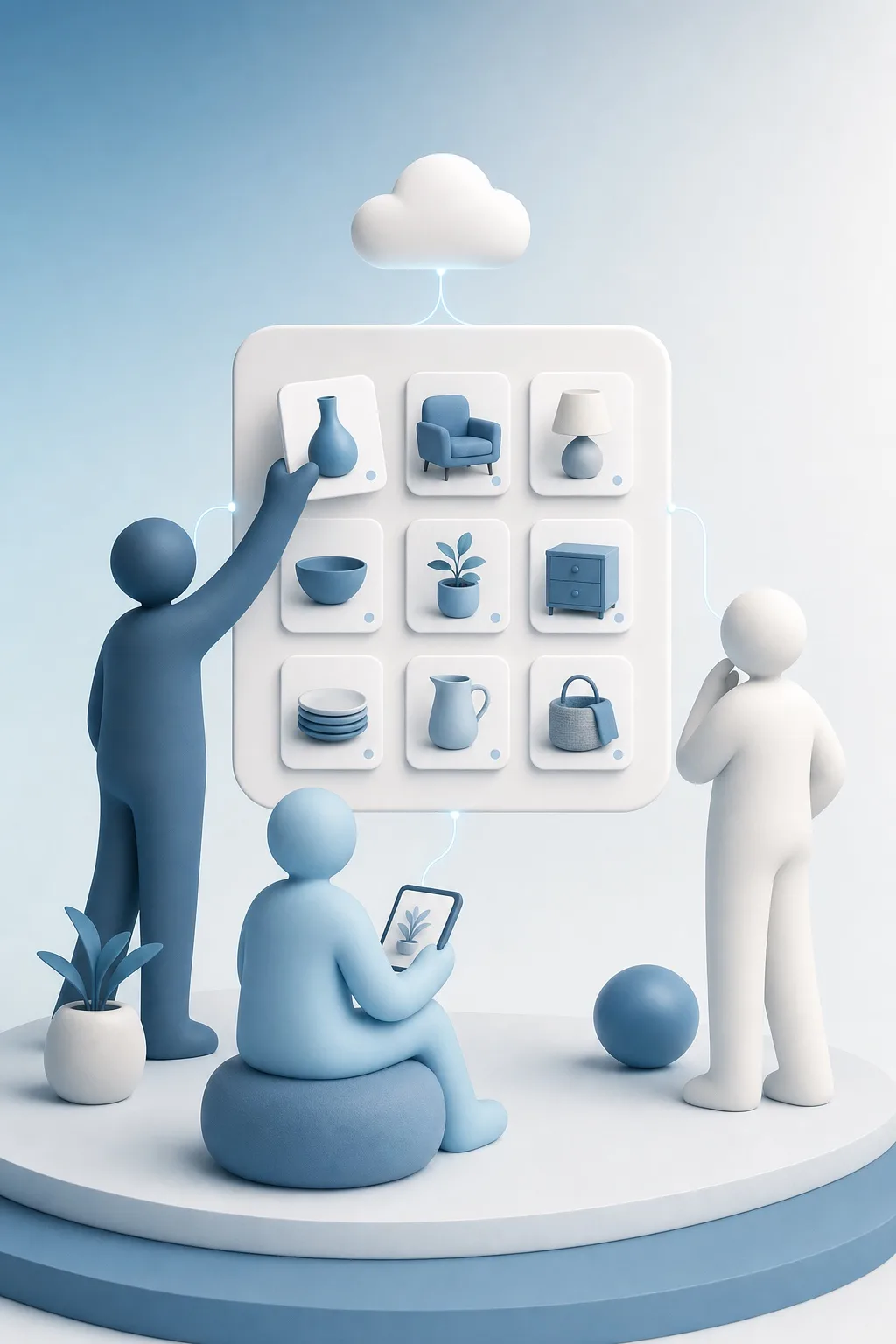
Invite the people you share a home with. They see the same collection, and you stay in control of who can change what.
Room for the details
Photos, receipts, manuals and warranty documents live with the item they belong to — not in a folder you will never find again.
Collaboration
Share a collection, not your password.
Invite anyone with an iTems account by email and choose what they can do: read only, or edit alongside you. Change your mind later, or remove access entirely — the collection stays yours.
A shared activity log shows who added, changed or removed what, so nobody has to ask. Sharing is free — it does not require a subscription.
Sync
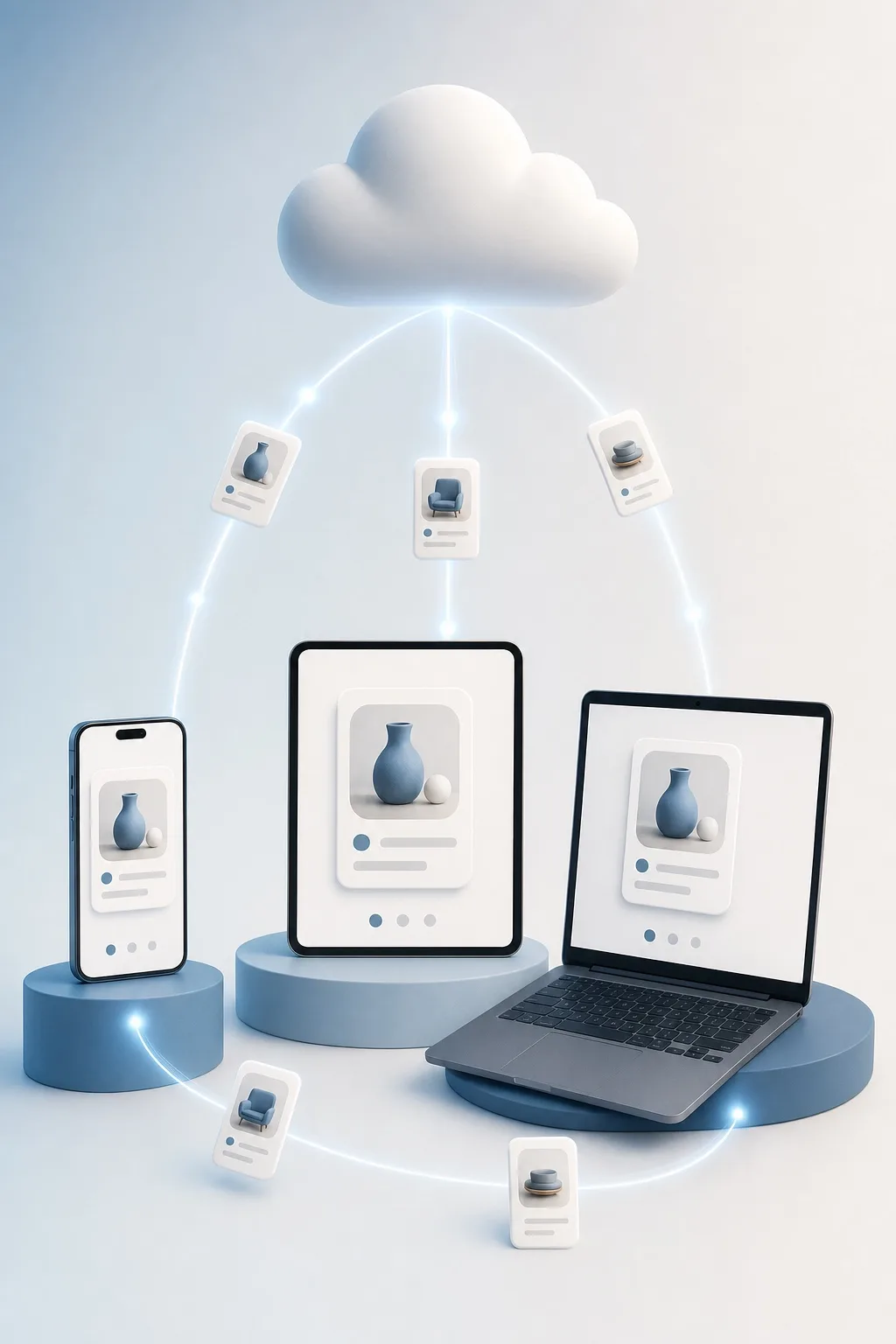
Every device, always current.
Items, categories, collections, maintenance history, owners, specifications, files and images — all of it travels with your account, on iPhone, iPad, Mac and the web (beta).
You choose per collection what goes to iTems Cloud and what stays on your device. When two people edit the same item at once, iTems merges the changes field by field instead of picking a winner.
iTems for the web is here — in open beta.
Sign in from any browser at app.items-home.com and your collections are right there, kept in sync by iTems Cloud. It is a beta: a few rough edges remain, and your feedback decides what we polish next.
Storage
Pay for space. Nothing else.
Syncing and sharing are included with every free iTems account. Add storage when your photos and documents need the room.
Included
With every iTems account.
- Sync across all your devices
- Share collections with anyone
- Shared activity log
iTems Cloud 10 GB
Room for a home’s worth of photos and receipts.
- 10 GB of storage
- Photos, files and documents
- Cancel any time
iTems Cloud 30 GB
For collections that document everything.
- 30 GB of storage
- Photos, files and documents
- Cancel any time
iTems Cloud 50 GB
For the truly thorough.
- 50 GB of storage
- Photos, files and documents
- Cancel any time
Storage is purchased in the iTems app. Prices are shown in your local currency and come straight from the App Store; subscriptions are billed through your Apple Account and can be cancelled at any time.
iTems PRO
Go further with PRO.
Unlimited collections and items, exports, heirs — and a larger storage allowance to build on.
Monthly
- Unlimited collections and items
- Export your collection to a file
- Heirs and inheritance
- A larger included storage allowance
Yearly
1 month free
- Everything in Monthly
- Billed once a year
Lifetime
- Everything in PRO, forever
- One payment, no renewal
PRO is purchased in the iTems app.
iTems Cloud, explained.
Do I need a subscription to sync or share?
No. Syncing across your devices and sharing collections with other people are part of every free iTems account. You only pay when you need more storage for photos and documents.
How do I share a collection?
Open the collection’s sharing settings and invite someone by email. They need an iTems account with a verified email address. You choose whether they can only read the collection or edit it with you, and you can change or withdraw that access at any time.
What happens if two of us edit the same item?
iTems merges the changes field by field: whatever each of you actually changed is kept. Nobody’s work is silently overwritten.
Does everything go to the cloud?
Only what you choose. Collections can live on your device alone, and you can move one to iTems Cloud — or take it back out again — whenever you like.
What happens when I run out of storage?
Your data stays exactly where it is and remains readable. New photos and changes simply stop uploading until you free up space or add more, and syncing resumes on its own the moment there is room.