AI features
You drop it. iTems files it.
Receipts become items, photos become named products, product pictures find themselves — while you keep using the app. That is the whole idea.

Drop anything
One drop zone for your whole inventory.
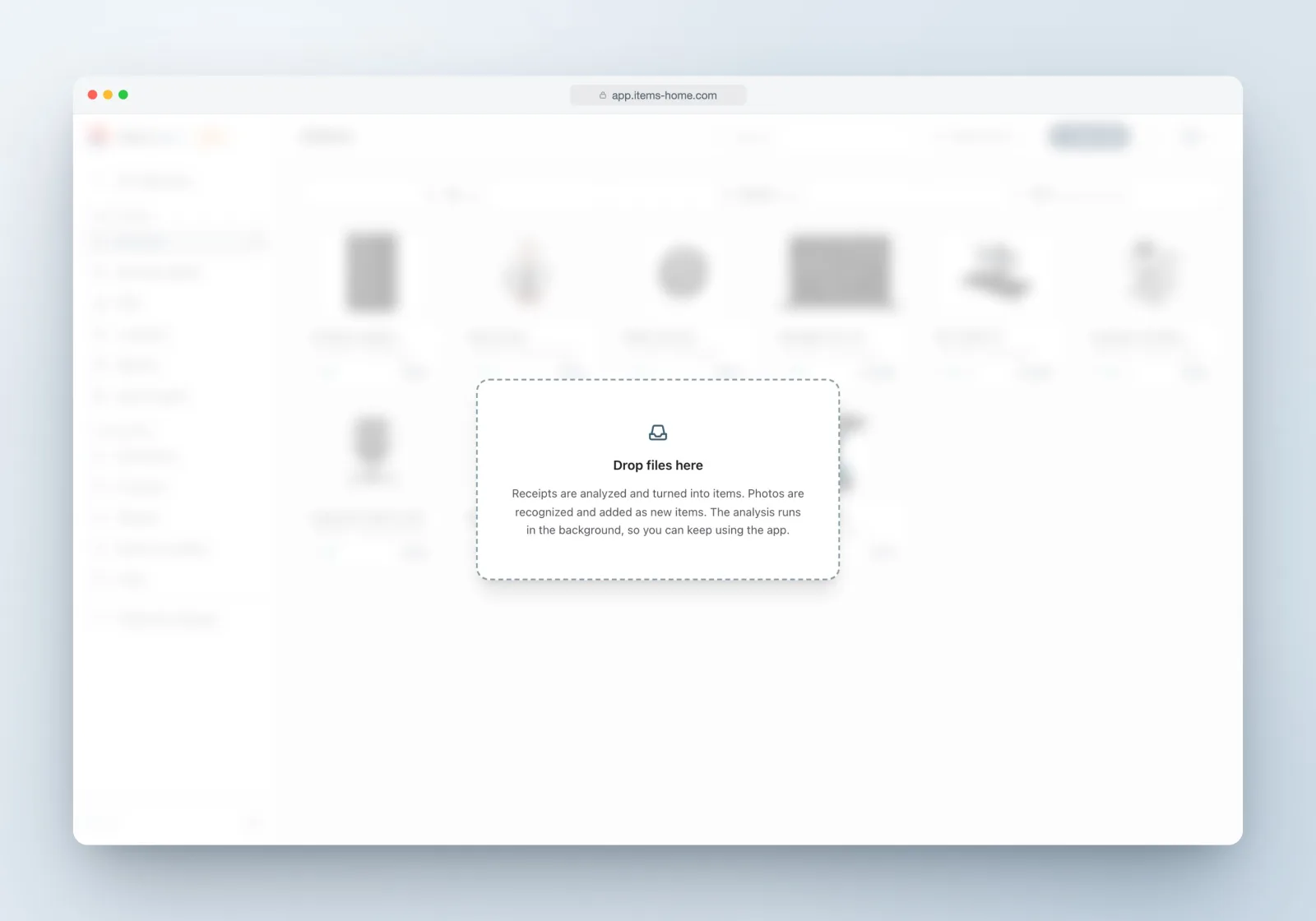
Drop files onto an asset collection and iTems sorts out the rest: receipts are analyzed and turned into items; photos are recognized and added as new items — with name, brand, model and category, and even a guess at which room it lives in.
A task panel narrates the work — “Reading PDF”, “Recognizing item”, “Fetching product photos” — two files at a time, always in the background. The app never makes you wait.
What the AI does for you.
Receipt analysis
PDFs, scans and photos become structured items with store, date, price and warranty — original receipt attached.
Product recognition
A photo becomes a named product with brand, model and category — filed where it belongs.
Product photos
Imported items get a clean product picture from the web automatically — or search and pick one yourself.
On-device cutouts
Backgrounds are removed by a model running in your own browser — those images never leave your device.
Specs & advice
AI-generated specification sheets and maintenance advice on demand — always labeled as AI-generated.
Property enrichment
Facts about your home fetched from listings and public sources — each with a source link and a confidence level.
In control
AI that shows its work.
Every suggestion is reviewable. Property facts arrive with a source link and a confidence pill, and low-confidence ones start unticked — nothing is saved until you say so. AI-generated content is labeled as such, and automatic product photos and background removal are per-collection toggles.
And when the AI finds nothing? It says so, gracefully: the file is still attached to a new item, and nothing pretends to be certain.

The AI, answered.
Do I have to type anything at all?
For most things, no. A receipt or a photo carries enough for the AI to create the item, categorize it and fetch a picture. You review and adjust — that is usually the whole job.
What happens to my photos?
Background removal runs entirely in your browser with a local model — those images never leave your device for that step. Recognition and receipt analysis run through iTems servers, like sync itself.
Can I turn the automatics off?
Yes — automatic product pictures and automatic background removal are toggles on each collection. Off means off.
What if the AI gets something wrong?
Everything it writes is an ordinary, editable field — fix it and move on. Suggestions that come with confidence levels start conservative, and unrecognized files still land safely as attachments.
Is the AI part of the free plan?
Automatic receipt and photo analysis is part of iTems PRO — along with unlimited items, sharing and reports.
Stop typing your inventory.
Drop a receipt. That’s it — that’s the workflow.