Scan receipts
Photograph a receipt and iTems creates the items on it, attaches the receipt as a PDF, and fills in warranty details in the background.
Receipts & warrantiesAI features
A paper receipt is the fastest way to register everything you just bought.
Scan a receipt
Choose Scan Receipt
You find it behind the add button in an Assets collection.
Capture the receipt
The document scanner handles long receipts and multiple pages.
Let iTems read it
Each product on the receipt becomes its own item, with store, date and price filled in from the receipt.
Review the result
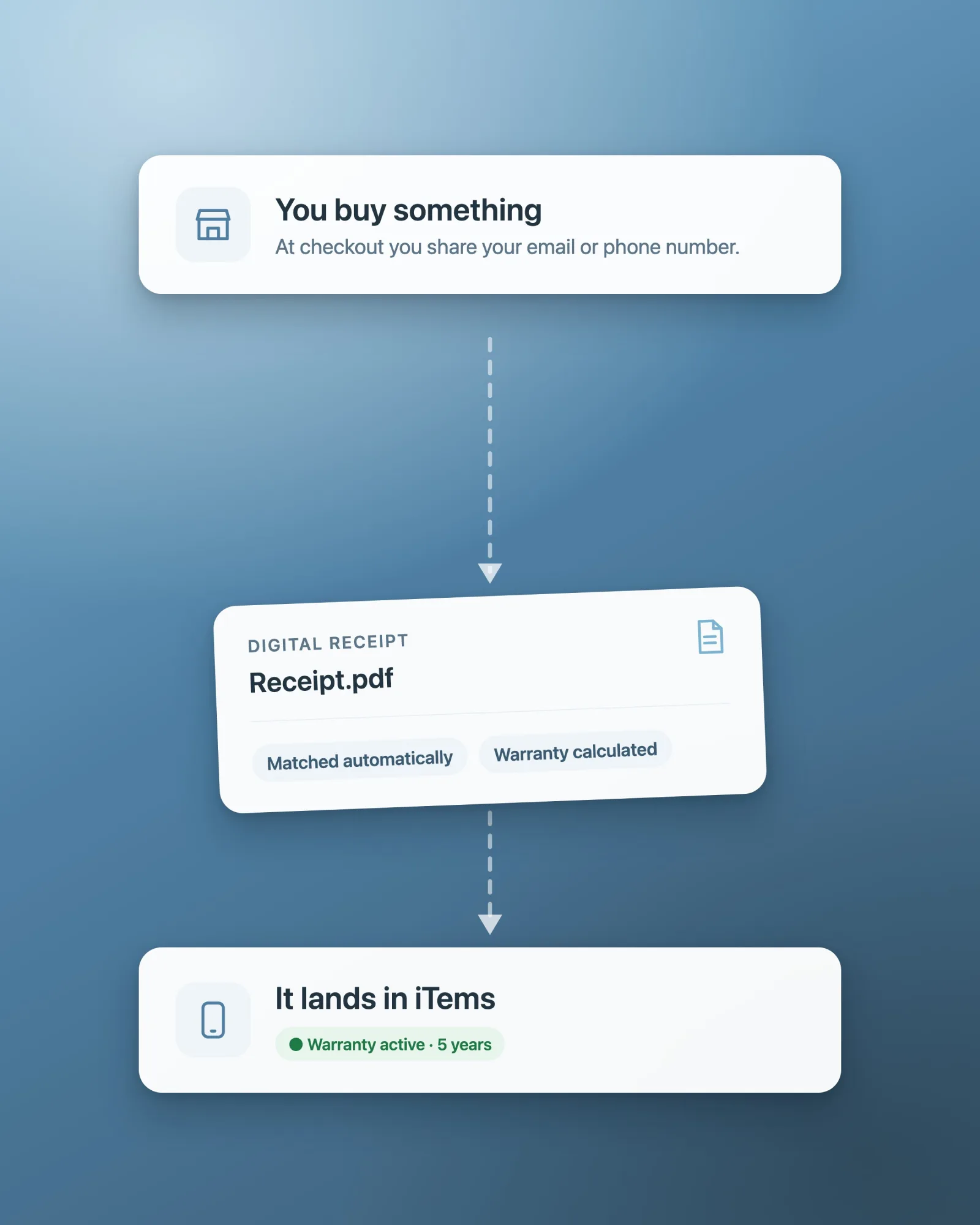
The receipt itself is attached as a PDF, and warranty details are looked up in the background where possible.
Does receipt scanning need an account?
Receipt scanning uses iTems’ AI service, so it needs a signed-in account. Creating and editing items by hand works without one.