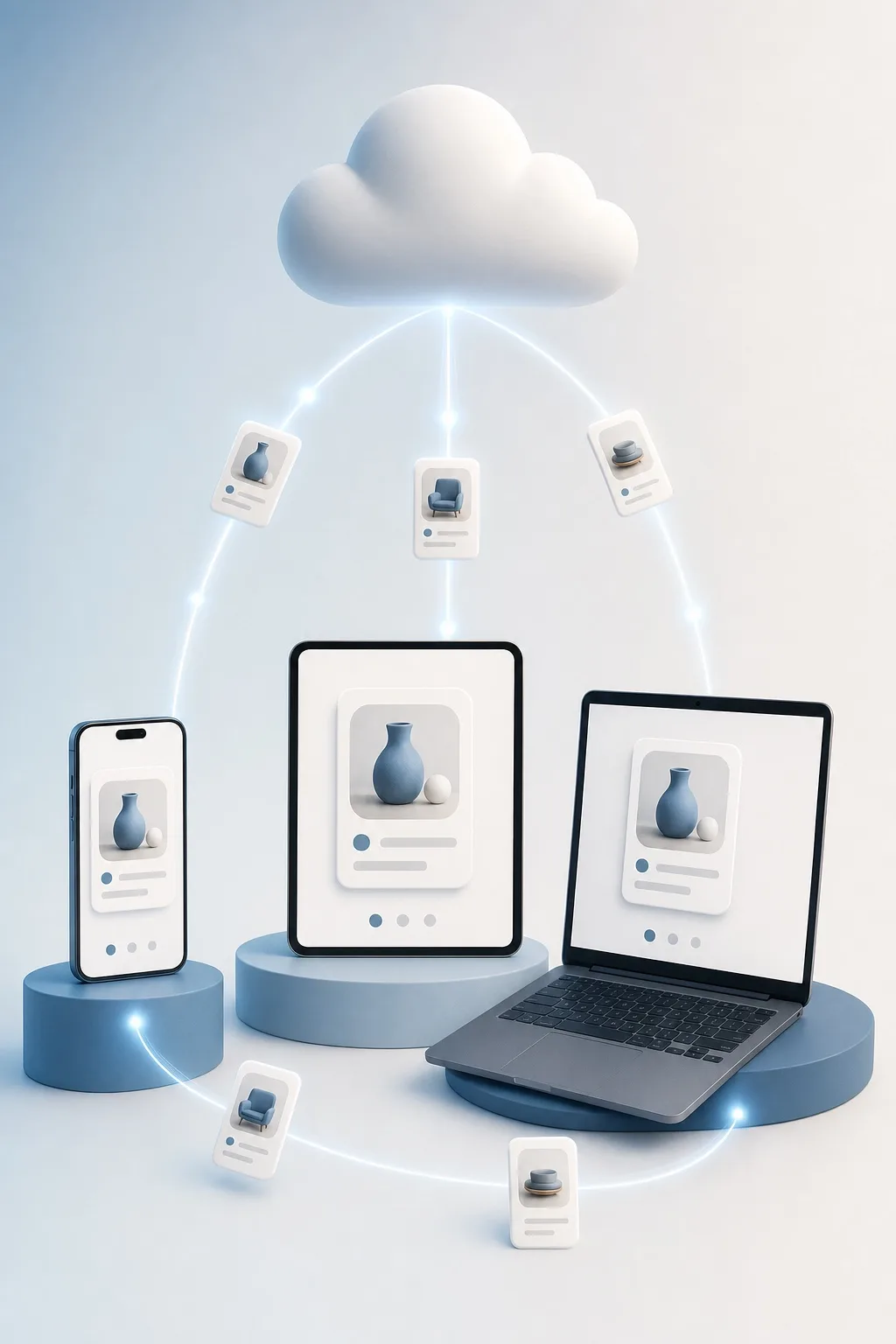
iTems Cloud and sync
Keep collections in iTems Cloud to sync across iPhone, iPad, Mac and the web — and understand what uses your storage.
A collection is either local (on this device only) or backed by iTems Cloud. Cloud collections sync continuously across all your devices and are what sharing and automatic receipts build on.
Moving a collection to the cloud
Local collections can be moved to iTems Cloud from the collection’s settings once you are signed in. Under Settings → iTems Cloud you can also choose whether new collections start as cloud or local.
Storage
Your iTems Cloud storage is measured in gigabytes, split between data and files — photos and receipts are what usually add up. The iTems Cloud screen shows what you are using, and storage plans of different sizes are available if you need more room.